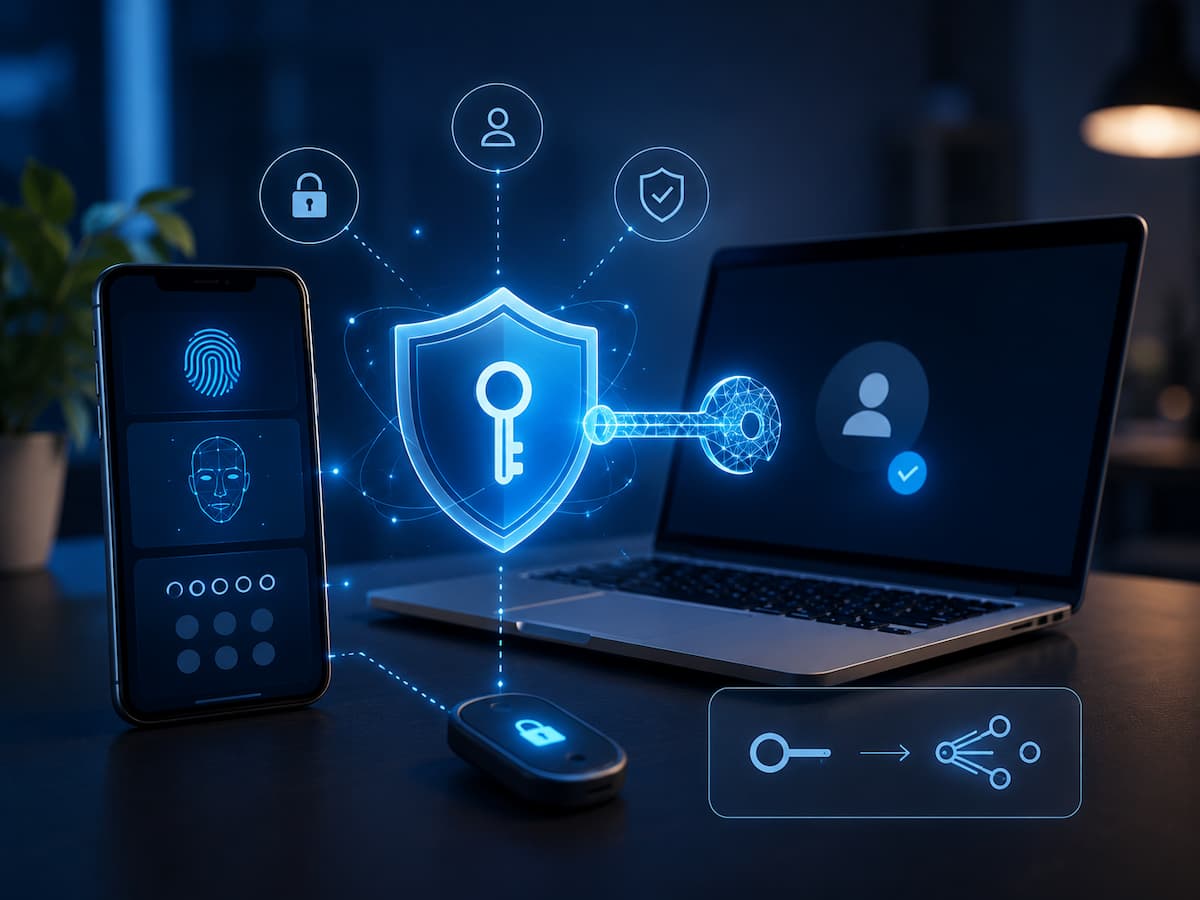
Regarding account security, password keys are one of the most important innovations. Password keys are an authentication method that eliminates the need to remember complex passwords by using encryption technology. Various authentication methods, such as fingerprint scanning, facial recognition, PINs, or screen locks, can be used on different devices. For many users, the process seems simple: choose a password key as the login method, unlock your device, and proceed. Although the process itself is basic, security systems are built in that make it more difficult for successful phishing attacks and the theft of login credentials. If you fully understand how password keys work, you can better determine when and why you should use them.
What Is a Passkey?
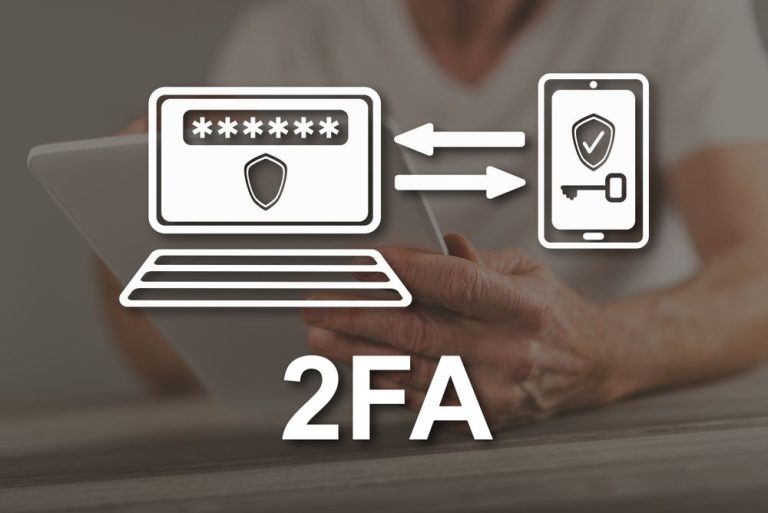
Password keys are a more modern way to access internet accounts and can replace traditional passwords. Each account generates a unique set of encryption keys. Online services store one of your keys (the public key), while you must keep the other key safe on your device or login system. When logging in, the service does not receive your private key. Instead, your device uses the private key to verify that you have the correct login credentials. You can typically authorise logging in in the same way you unlock your device, for example, with a password, PIN, fingerprint, or facial recognition.
For login credentials created using WebAuthn technology and the FIDO standard, the term ‘password key’ is sometimes used. The purpose of this technology is to provide a simpler and more secure login process that is both user-friendly and resistant to common password attacks. If you want to avoid entering a password every time you visit a website, you can think of a password key as a form of digital authentication that verifies your ownership of an authorised device or account.
How Do Passkeys Work?
When you set a password for a service or website, your device generates a unique, encrypted key pair. Your device or password manager keeps the private key secure, while the service records the public key. Although a mathematical relationship exists between the two keys, it is impossible to generate a private key from a public key. This allows the website to verify that you are using the correct login credentials without actually storing the key.
When you try to log in later, the website sends you verification credentials. Your device generates an encrypted response using your private key. Using the stored public key, the service verifies that response. If the verification is successful, you are granted access. Normally, you can unlock your login credentials locally using your fingerprint, facial recognition, or your device’s PIN, without sending them to the website.
Key idea: A passkey allows a service to verify your identity without asking you to type or transmit a traditional password.
The Role of Public-Key Cryptography
Passkeys rely on public-key cryptography, a technology that has been used in secure digital communication for many years. The basic concept involves two related keys with different roles. The public key can be shared with the online service. The private key is kept secret and protected by the user’s device or credential system. The service uses the public key to verify proof created using the private key.
This is different from traditional password authentication. With a password, the user provides a secret that the service must verify. If the password is stolen, an attacker may be able to use it elsewhere if the person has reused it. With passkeys, the private key is not intended to be revealed to the website during normal authentication. This changes the security model and reduces the value of many common credential-stealing attacks.
Public Keys and Private Keys Explained
Understanding the two keys makes passkeys easier to understand. Think of the public key as something that can be safely shared for verification, while the private key is the secret credential that must remain protected. The website stores the public key associated with your account. Your device protects the private key. When authentication is requested, your device uses the private key to prove that it is authorised.
The private key is typically protected by the device’s security features. This is why you may be asked to use a fingerprint, facial recognition, PIN, or screen lock before the passkey can be used. The biometric information itself is generally processed locally by the device. The website does not normally receive your fingerprint or face scan. Instead, the device confirms that you successfully unlocked the credential and then performs the cryptographic authentication.
What Happens When You Sign In?
The exact user experience varies between devices and services, but the general process is straightforward. First, you visit a website or open an application and choose the passkey sign-in option. The service identifies the account and begins an authentication request. Your device or password manager identifies the appropriate passkey. You then approve the authentication, usually by unlocking your device with a fingerprint, face scan, PIN, or another local security method.
The device uses the protected private key to create the required cryptographic proof. The service verifies the proof using the public key associated with your account. If the verification is successful, you are signed in. The important detail is that you do not need to type a password into the website. The authentication process is based on cryptographic proof rather than simply presenting a reusable secret.
Why Passkeys Help Prevent Phishing
Phishing is one of the biggest weaknesses of password-based authentication. A criminal may create a fake login page that looks like a legitimate website and trick someone into entering their username and password. Passkeys are designed to be resistant to this type of attack because the credential is associated with the legitimate website’s origin. A fake website cannot simply collect your passkey in the same way it can collect a password typed into a form.
This does not mean passkeys make every type of cyberattack impossible. Attackers can still target users through malware, social engineering, compromised devices, or other methods. However, removing passwords from the authentication process eliminates a major category of credential theft. This is one reason passkeys are considered an important step toward reducing the risks associated with traditional passwords.
Passkeys vs Passwords
| Feature | Passwords | Passkeys |
|---|---|---|
| User memory | Usually requires remembering a secret | Does not require remembering a separate password |
| Phishing resistance | Often vulnerable to fake login pages | Designed to resist phishing through origin binding |
| Credential storage | Services must manage password credentials | Services store public keys for verification |
| Sign-in experience | Type username and password | Approve authentication using the device |
| Credential reuse | Users may reuse passwords | Passkeys are unique to accounts |
| Recovery | Usually uses password reset methods | May depend on synced credentials or account recovery options |
The comparison shows why passkeys are attractive. They remove many problems associated with human password habits. However, account recovery remains important, particularly if a person loses access to their devices or credential ecosystem.
Where Are Passkeys Stored?
Passkeys can be stored and managed by different types of devices and credential systems. Depending on the platform, they may be protected by a device’s secure hardware or managed through a password manager or operating system credential service.
Modern smartphones, tablets, and computers can support passkeys, although the exact experience depends on the operating system, browser, and service involved. The security of the passkey depends partly on the security of the device where it is stored. Keeping your operating system updated, using a strong device lock, and protecting your account recovery methods are still important security practices.
How Passkeys Work Across Devices
One concern people have is what happens when they buy a new phone or use another computer. Passkey systems can support synchronisation between devices through credential managers and platform ecosystems. The exact process differs between providers.
In some cases, passkeys can be securely synchronised so that a user can access them on multiple trusted devices. Other passkeys may remain tied more closely to a specific device or security key. This means users should understand how their chosen passkey provider handles backup, synchronisation, and recovery. A passkey is convenient, but account recovery should still be considered before relying on it as the only way to access an important account.
Benefits and Limitations of Passkeys
Major Benefits
- Strong resistance to many phishing attacks.
- No password to remember or reuse.
- Private keys are designed to remain protected rather than being shared with websites.
- Fast sign-in using an existing device security method.
- Unique credentials can be created for individual accounts.
- Can reduce the risks associated with password databases and credential reuse.
Important Limitations
- Not every website or application supports passkeys yet.
- Recovery procedures vary between services and platforms.
- Users may need to understand how credentials are synchronised between devices.
- Lost access to devices or account recovery methods can still create problems.
- Passkeys do not protect against every form of malware or account compromise.
Passkeys improve authentication security, but they should not create a false sense of complete protection. Users should still keep devices updated, use secure screen locks, be cautious about suspicious messages, and protect account recovery methods.
How to Start Using Passkeys
Check the website’s login or account security settings for a passkey option if it supports them. Depending on the context, you can see choices like “Create a passkey” or “Use a passkey”. Be careful that you’re using a reputable website or app to create one before you start. Your gadget will show you how to secure the passkey once you’ve made it.
Once everything is in place, ensure you can log in and check your account recovery options. Make sure your passkeys are synced if you use several devices, or else you might not be able to access your account. Once everything is in place, ensure your devices are up-to-date and that you lock them securely. While passkeys do offer robust authentication, device and recovery procedure security are still critical considerations.
Conclusion
In the realm of online authentication, passkeys represent a significant advancement. Passkeys utilise cryptographic keys to verify the availability of an authorised credential, eliminating the need for users to memorise and input passwords. The private cryptographic key is safeguarded, and the device can verify the process using a fingerprint, face recognition, PIN, or screen lock. The primary benefit of passkeys is their resistance to phishing attempts and the reduced risk of password reuse and stolen credentials. In addition, they can streamline the login process.
Having a passkey is helpful, but it won’t replace regular security measures. Device security, software updates, account recovery options, and vigilance against suspicious activity are still user responsibilities. An increasing number of websites and applications are utilising passkeys, making them an integral aspect of everyday internet security. Users seeking a more secure and user-friendly alternative to traditional passwords would do well to familiarise themselves with passkeys to make informed decisions regarding the security of their accounts.
FAQs
1. What makes passkeys more secure than passwords?
Passkeys provide better protection against several typical dangers involving passwords, such as phishing and credential reuse. Instead of having users input a repeatable password, they use cryptographic credentials. But there isn’t a security measure that can ward off every potential threat. Safe online activity, malware protection, device security, and account recovery are still vital.
2. Will my passkey be stolen?
Instead of exposing the private key to the website during normal sign-in, passkeys are designed to keep it protected. Because of this, they are distinct from passwords. Credential management systems, accounts, and devices are still vulnerable to attacks. Consequently it is still crucial to keep devices secure and use reliable software upgrades.
3. Can passkeys fully supplant passwords?
I am not ready just yet. Passkeys are still not widely used; therefore, many services still require users to enter passwords. In addition to passwords and other forms of authentication, certain accounts may also provide passkeys. Passkeys could gain traction in the future, but for the time being, consumers can expect to see a variety of authentication methods.
4. Can my fingerprint be used as a passkey?
While your fingerprint or face scan might work to unlock your device’s passkey, in most cases, the hardware is responsible for handling the biometric data. In most cases, the website will not obtain a picture of your face or fingerprints. In its place, the device employs the secured passkey credential after verifying that your local authentication was successful.
5. When I can’t find my phone, what am I to do?
How your passkey is kept and synced determines the response. It may be necessary to use an alternative recovery mechanism for passkeys that cannot be safely synchronised across trustworthy devices. When it comes to critical accounts, it’s a good idea to look into the recovery alternatives and maybe keep another trusted device or allowed authentication method handy.
6. Is it possible to utilise passkeys on many devices?
Depending on the system and platform, the answer might be yes. Through credential managers that are compatible, it is possible to synchronise some passkeys between devices. A hardware security key or specific device may be the exclusive location for other credentials. Your particular experience will be different for each service, OS, browser, and credential supplier.
References
- FIDO Alliance — Information about passkeys, FIDO authentication, and passwordless security.
- World Wide Web Consortium (W3C) — Web Authentication (WebAuthn) standard and technical documentation.
- National Institute of Standards and Technology (NIST) — Digital Identity Guidelines and authentication guidance.
- Google — Passkeys and account sign-in security resources.
- Apple — Passkeys and security documentation.
- Microsoft — Passkeys and passwordless authentication resources.

Samira Patel is a tech writer who believes the best tools are the ones you actually use. She tests every app, shortcut, and workflow on her own laptop before sharing it—no recommendations she hasn’t lived with herself. When she’s not figuring out why a computer is running slow, she’s probably reorganizing her cloud storage (again). She writes to help busy people find simpler, smarter ways to work. No hype, just what works.