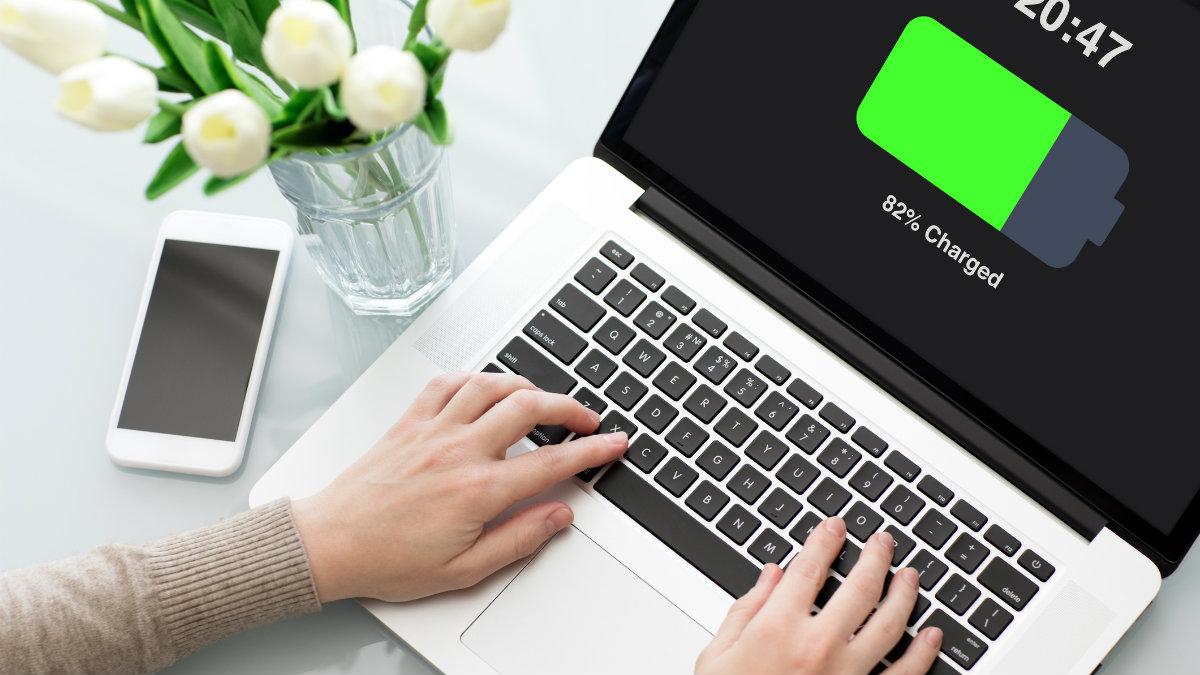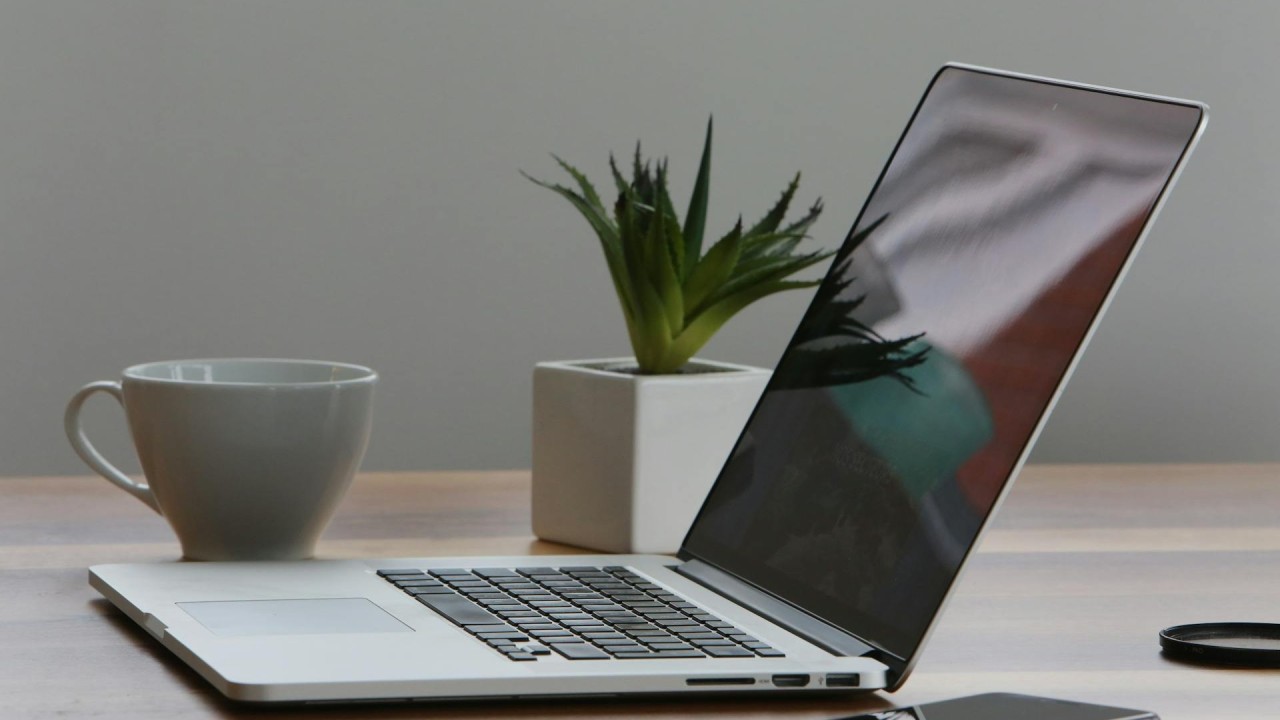
How to Extend Your Laptop Battery Life

Last Updated: June 2026 | Reading Time: 9 minutes Quick Answer: Reduce screen brightness to 40-60%, enable battery saver mode, disconnect unused peripherals, limit background apps, avoid extreme temperatures, and charge between 20-80% for daily use. These habits can extend battery lifespan from 300 to over 1000 charge cycles before noticeable degradation occurs. Understanding Modern … Read more

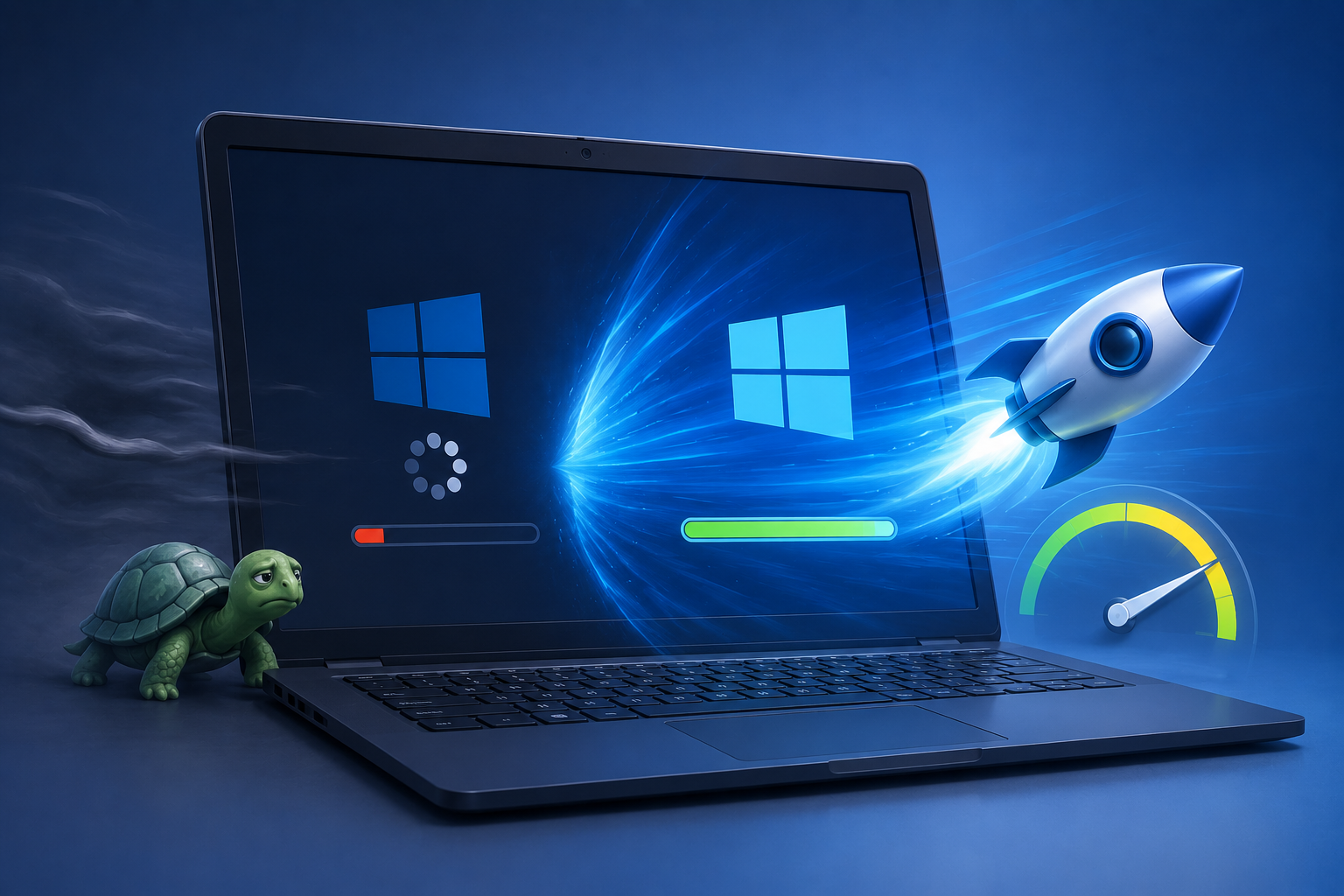
How to Speed Up a Slow Windows Laptop

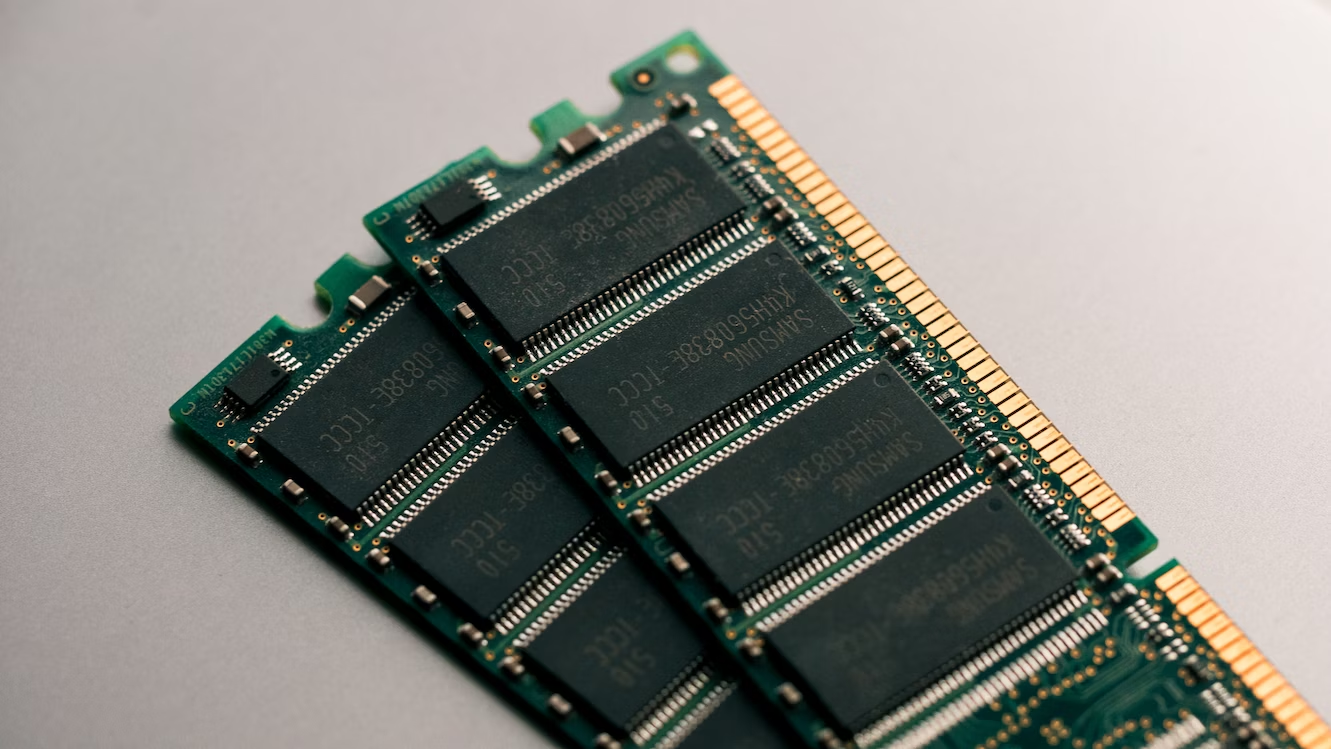
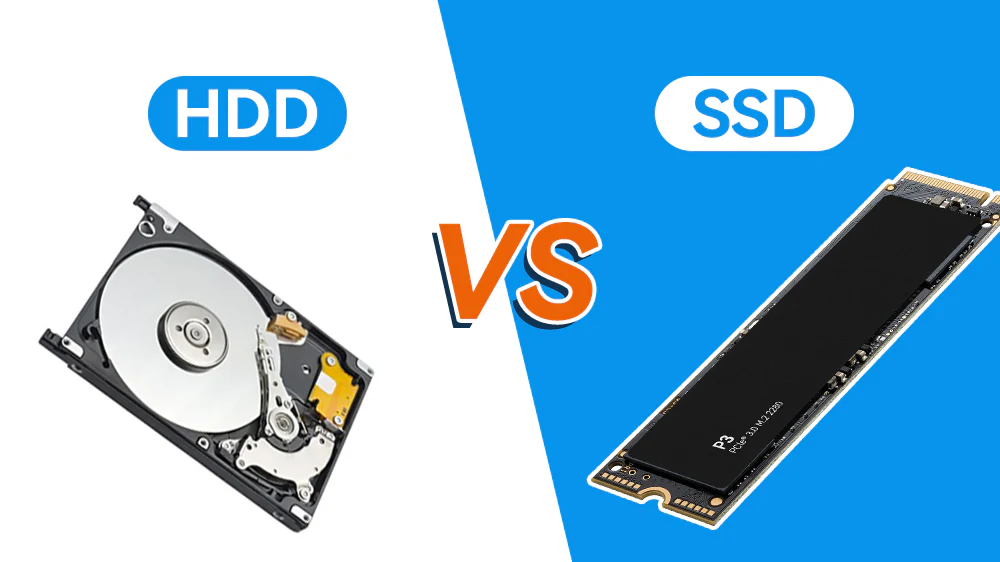
Last Updated: June 2026 | Reading Time: 9 minutes Quick Answer: Disable startup programs, uninstall bloatware, switch to an SSD, add RAM, clean temporary files, update drivers, and adjust Windows visual effects. Most sluggish laptops recover significant speed without hardware upgrades. Severe cases benefit from a clean Windows reinstall. Why Laptops Slow Down Over Time … Read more

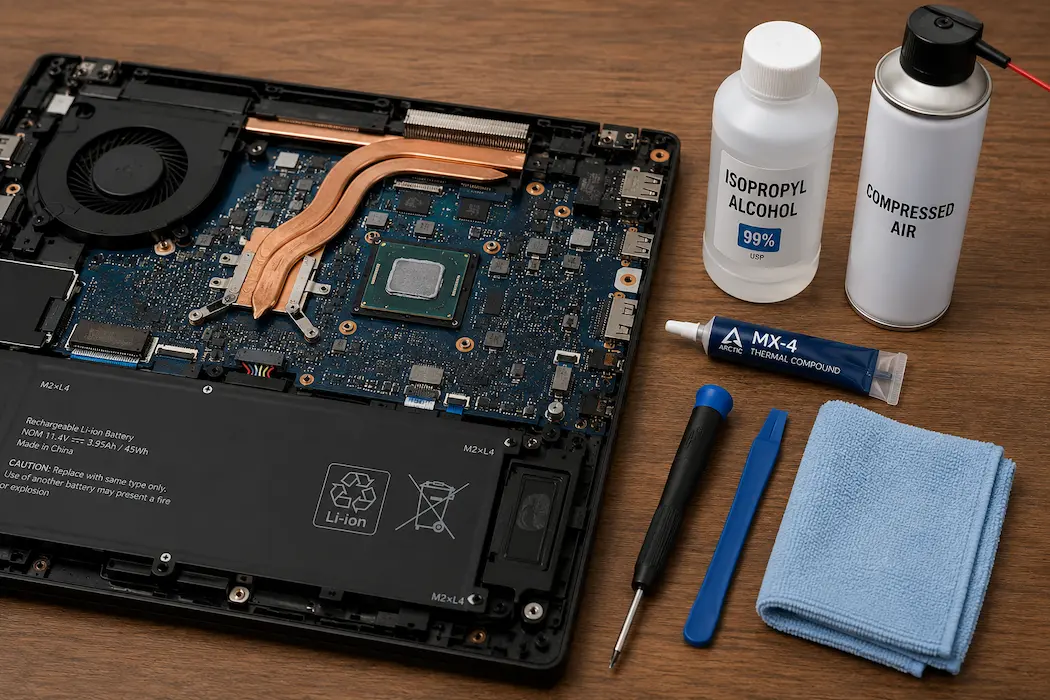
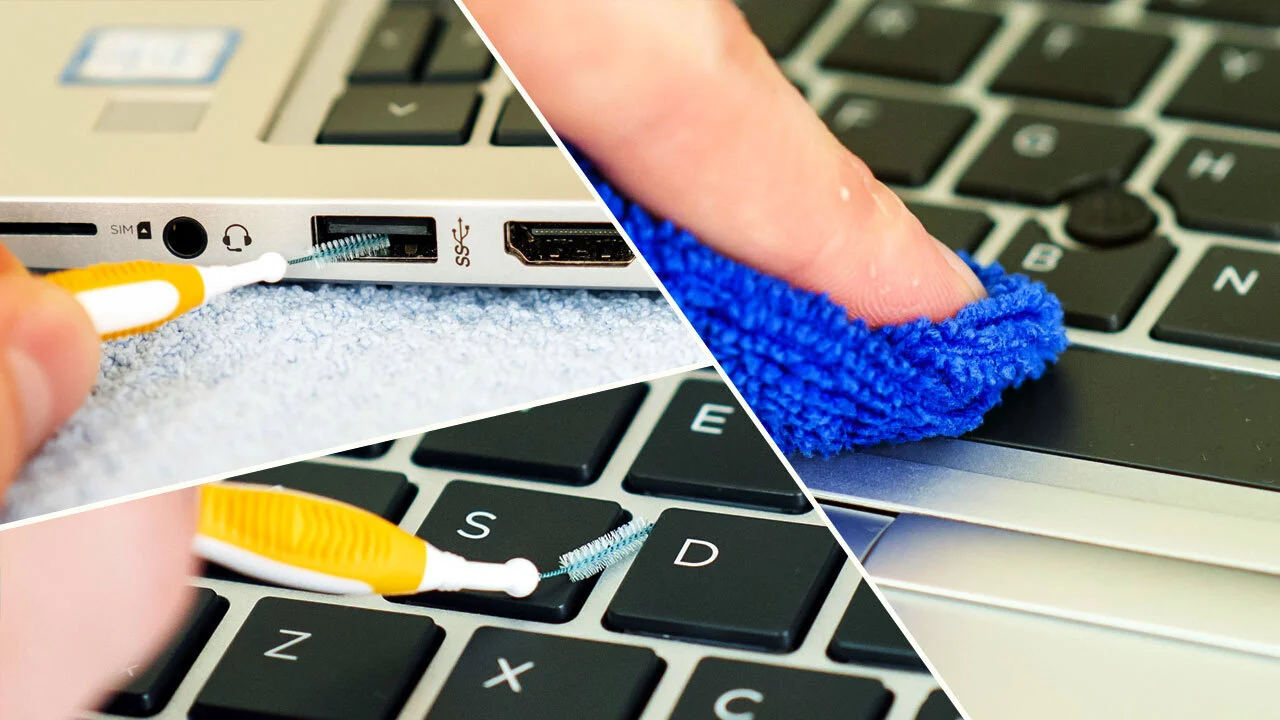
How to Clean Your Laptop Without Damaging It

Last Updated: June 2026 | Reading Time: 8 minutes Quick Answer: Power off and unplug your laptop before cleaning. Use compressed air for vents and ports, microfiber cloths for screens, isopropyl alcohol (70% or higher) for surfaces, and soft brushes for keyboards. Never spray liquid directly onto components. Clean monthly for light use and weekly … Read more