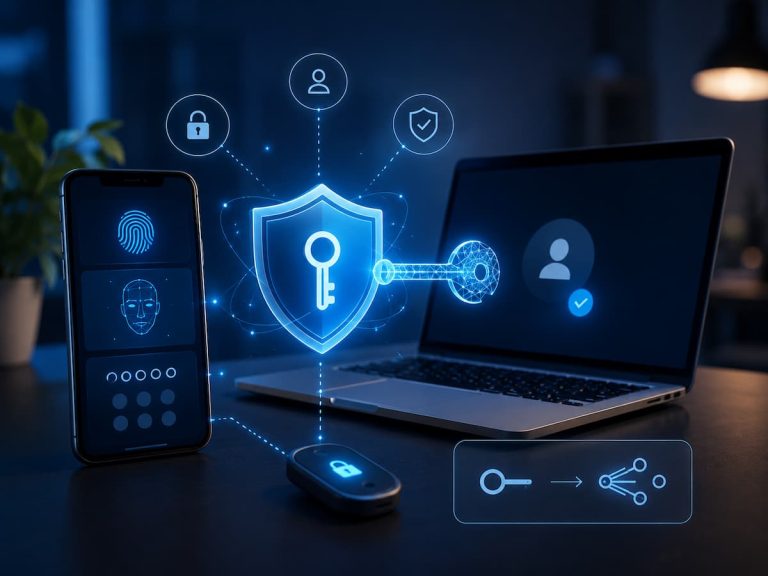
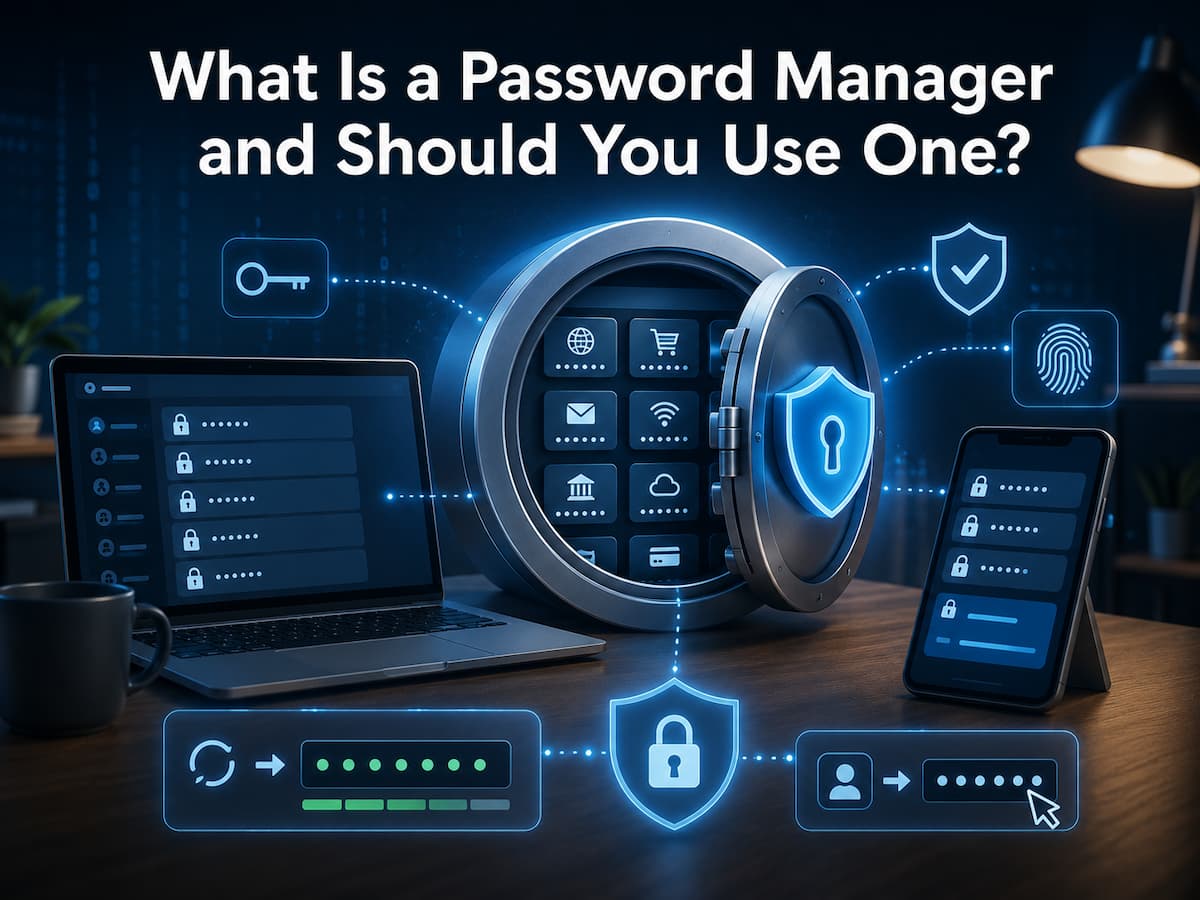
Password managers address this issue. It securely retains your login information and helps you develop and use better passwords without remembering them. Instead of remembering thousands of passwords, you usually need one main password or another approved method to unlock your password vault. But should everyone use a password manager? Your needs, technology comfort, and account management today determine the answer. This tutorial describes password managers, how they function, what features matter, their pros and downsides, and the practical questions you should ask before picking one.
What Is a Password Manager?
Password managers safeguard passwords and other login information. It secures website, app, and online service credentials in a digital vault. You use one main password or another authentication mechanism to unlock the vault, rather than remembering each password. The password manager can then let you access accounts with the right login information.
Multiple password managers can generate secure, unique passwords. This is helpful because secure passwords should be unique for each critical account. Unique passwords stop attackers from using one password to access other accounts if they compromise one. Password managers can store protected notes, financial information, identity information, and recovery codes. Users should know what their service saves and how it protects their data since product features differ.
How Do Password Managers Work?
The concept is simple. Install a password manager, establish an account or safe vault, and secure it with a strong master password or other authentication method. Use the password manager to preserve or create login credentials. The password manager may detect a website and offer to fill in your username and password. Unlock the password manager first, depending on the service.
Password managers can generate long, unique passwords for new accounts. The manager safely archives it for future usage, so you don’t need to memorise it. This changes password management. Protect one vault and let the password manager manage individual credentials instead of remembering several secrets. Password managers do not secure all internet accounts. Its biggest benefit is enabling you to use strong, unique passwords across accounts.
People Need Password Managers—Why?
The key issue is scaling password security. One with few accounts may be able to develop and remember unique passwords. This becomes difficult with many accounts. Passwords are typically reused, shortened, or predictable. Someone may use the same password everywhere with a different number. Though convenient, this practice is a huge downside.
Criminals may use that password from one compromised service on other websites. This attack is called credential stuffing. Unique passwords are easier with a password manager. You can establish unique passwords for each account without memorising them. That lessens the impact of one compromised credential. Thus, a password manager can improve password hygiene and convenience for multi-account users.
Common Features of Password Managers
Password managers vary considerably, but many offer a similar set of features. Understanding these features can help you decide which capabilities are genuinely useful.
| Feature | Purpose |
|---|---|
| Password storage | Keeps login credentials in an encrypted vault |
| Password generation | Creates strong and unique passwords |
| Autofill | Helps enter saved login information on supported websites |
| Cross-device access | Allows credentials to be used across supported devices |
| Security alerts | May warn about weak, reused, or compromised passwords |
| Secure notes | Stores sensitive information that may not be a login credential |
| Multi-factor authentication support | Adds another layer of protection to the password manager account |
Not every feature is necessary for every person. The most important capabilities are usually secure storage, reliable password generation, strong authentication, and a recovery process that you understand.
How Password Generators Improve Security
One of the best password management features is automated password generating. Instead of creating a password, ask the manager to provide a random credential that matches website standards. Long passwords without predictable personal information are harder to guess. A password manager stores difficult-to-remember credentials for you.
The biggest benefit is originality. A compromise at one service does not expose all accounts if each has its own password. Users should still follow website password requirements. Some services limit length or characters. A decent password manager can often configure generated passwords to match criteria.
How Autofill Works
A password manager can autofill login forms with saved data. This speeds up sign-in, especially on mobile devices where typing long passwords is inconvenient. But autofill should be used carefully. The password manager should identify the website or app before entering credentials. Do not enter credentials into questionable websites just because an autofill option appears.
Before checking in, check the website address, especially if you arrived via email or message. Using a password manager can lessen phishing threats, but it cannot replace caution.
Are Password Managers Safe?
Password managers can secure credentials, but they are not risk-free. The provider’s design, encryption, software security, account protection, and user behaviour all affect system security. A trustworthy password manager should encrypt data and prevent unauthorised access. Users should also use a strong master password and multi-factor authentication to secure their password management account.
The key problem is that a password manager produces one important vault. If an attacker gets into that vault, it could be disastrous. Protecting the key password and account recovery methods is important. A well-designed password manager is safer than reusing weak passwords across dozens of accounts for many users. Choosing and using a reliable service is key. Password managers should be as secure as your most critical internet accounts. Never reveal your master password or leave your vault unlocked on a strange device.
Main Password Manager Benefits
The major benefit is using unique passwords without memorising them. This addresses one of the biggest password security vulnerabilities. Password managers save time too. Users can use saved credentials instead of hunting for forgotten passwords or constantly requesting resets.
Old security practices can be easier to improve. The manager can generate new passwords for someone who has used the same one for years. Another benefit is organisation. A dedicated password storage solution can replace browser notes, spreadsheets, hardcopy notebooks, and random text files. Some password managers identify reused or weak passwords in their security reports. These tools help users prioritise updating their accounts.
Possible Drawbacks
Password managers help, but they are not security magicians. A major risk is the master password. Accessing your vault may be impossible if you forget it and there is no recovery option. Another issue is device security. Someone who takes control of an unlocked device may access password manager data. Thus, strong device locks and software updates are crucial.
Choosing an unreliable service is risky. Before giving the company sensitive data, users should examine its security, privacy, reputation, and encryption methods. Finally, password managers cannot stop all attacks. Still, malware, phishing, stolen gadgets, hijacked email accounts, and social engineering pose concerns. A password manager should be part of a multiple-measure security plan.
Selecting a Password Manager
Choose a password manager carefully, not just the first app in an app store. Consider how you use your devices. Reliable cross-device support may be vital if you frequently switch between phones, tablets, and computers. Next, check the provider’s security and privacy. Check for clear explanations of data encryption, account recovery, and firm data collection.
Check if the manager offers multi-factor authentication. Ensure it works with your preferred browsers and operating systems. Finally, consider recovery. A highly secure vault is only useful if you can safely recover when something goes wrong. Before storing your most crucial credentials, read the provider’s recovery guidelines.
Questions to Ask Before Choosing
- How does the service safeguard data?
- Does it support my browsers and devices?
- Enable multi-factor authentication?
- Account recovery—how?
- Do providers clearly disclose privacy practices?
- Can I export my data to switch services?
Tips for Using One
Start with a strong password manager-specific master password. Avoid using it for email, social media, or other accounts. Enable multi-factor authentication for extra security. When creating an account, use the password generator. Start by replacing overused passwords with unique ones for email, financial, and other high-value accounts.
Update your password manager and devices. Delaying software upgrades can leave known vulnerabilities unpatched. Check your saved credentials sometimes. Remove inactive accounts and update passwords if you suspect a hack. Finally, take email security seriously. Email password resets affect other services, so losing control of your email account can have repercussions.
Password Managers: should you use one?
A password manager is worth consideration for most online account managers. It simplifies strong passwords and decreases the temptation to reuse them. If you maintain passwords in your browser without understanding the security settings, store them in plain-text documents, or use the same password for many accounts, it can be handy.
However, picking a password manager requires thought. Trust the provider, understand vault security, and have a plan for account recovery. If you’re unsure, use a trusted password manager for less important accounts to learn the system. You can add additional critical credentials to the vault as you gain confidence. The purpose goes beyond app installation. A safer digital identity management system is the goal.
Conclusion
A password manager simplifies secure password habits. Store dozens of credentials in a vault and use unique passwords for each account instead of remembering them. Password managers often generate secure passwords, autofill, and flag weak or overused credentials. Password managers do not eradicate all internet security risks. Your primary password, devices, recovery options, and account security settings require attention. Keep an eye out for phishing attempts and update vital software.
A reliable password manager can make it easier for most people to follow security best practices. If you overuse passwords or have trouble keeping track of your accounts, a password manager may improve your digital security. Choosing a trusted solution, understanding how it works, protecting your main vault, and using the tool consistently are the most critical things. Good password security doesn’t require more passwords. It involves establishing a system that makes safer behaviour easier.
FAQs
1. Is a password manager better than remembering them?
For those with multiple online accounts, a password manager can simplify security. Recalling passwords increases reuse or predictable patterns. A password manager lets you use unique passwords without memorising them. However, you should remember and secure your vault’s main password or authentication mechanism.
2. Should I use a password manager for banking?
Because sensitive accounts require unique passwords, many users save bank account credentials in password managers. Choose a trusted service, enable multi-factor authentication, and secure your vault. You should also use your bank’s transaction alerts and multi-factor authentication.
3. What happens if I forget my master password?
The answer varies by password management. Some services offer account recovery, while others require credentials to recover your vault. Examine this question before picking a service. Read the recovery documentation to understand what happens if you lose your primary device or password.
4. Are browser password managers secure?
Built-in browser and OS password managers may be useful and secure. Your needs and platform determine the best option. A standalone password manager may have more features or compatibility, whereas an integrated one may be simpler. Use a powerful device lock and enable security on any machine.
5. Can I use a phone password manager?
Yes. Most modern password managers support smartphones, but functionality varies by OS and service. Mobile password managers make signing in to apps and websites easier by eliminating the need to input cumbersome credentials. Secure your phone with a screen lock and update its OS.
References
- National Institute of Standards and Technology (NIST) — Digital Identity Guidelines and authentication guidance.
- Cybersecurity and Infrastructure Security Agency (CISA) — Guidance on strong passwords, password managers, and multi-factor authentication.
- National Cyber Security Centre (NCSC) — Guidance on password managers and password security.
- Federal Trade Commission (FTC) — Consumer guidance on online security and account protection.
- FIDO Alliance — Information about authentication and modern passwordless security technologies.

Samira Patel is a tech writer who believes the best tools are the ones you actually use. She tests every app, shortcut, and workflow on her own laptop before sharing it—no recommendations she hasn’t lived with herself. When she’s not figuring out why a computer is running slow, she’s probably reorganizing her cloud storage (again). She writes to help busy people find simpler, smarter ways to work. No hype, just what works.