
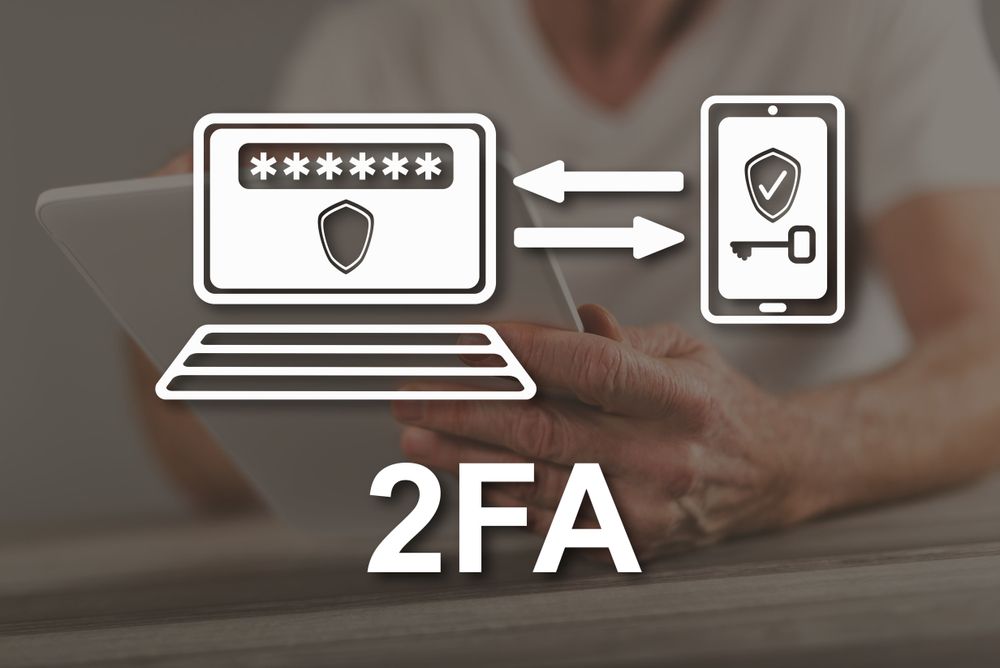
In today’s digital environment, securing your online accounts is more critical than ever. Our personal information has always been at danger – from our emails and social media to our banking and shopping. “Hackers are getting smarter and a password is not enough anymore. That’s where two-factor authentication, or 2FA comes in. If you didn’t switch it on, now is the time. So let’s see why 2FA is a simple and significant step toward securing your online life.
What’s Two-step Verification?
Two-factor authentication is a security technique that provides a second layer of protection to your accounts. 2FA needs a second form of verification rather than just a password. It may be a one-time code provided to your phone, a notice from an authentication app or even a fingerprint scan. Think of it as a lock within a lock on your door. Even if someone figures out your password, they can’t get in without the second factor. This simple extra step might be the difference between keeping your accounts protected or not.
Why Passwords Aren’t Enough
Many individuals think that a good password is enough to protect their accounts. Unfortunately that is not the case. Hackers have techniques to crack even complicated passwords or to lure people into divulging their credentials through phishing emails. For example, a cybercriminal may send you an email claiming to represent your bank and requesting you to “verify” your account. “They get access straight away if you put your password in. But with 2FA they can’t log in without the second verification step even if they have your password. And that’s why 2FA is so important to stop hacking.
How 2-Factor Authentication Works
2FA is simple yet effective. You log in to an account and enter your password normally. Then you give a second piece of information, which shows that it actually is you. Typical ways are:
- SMS Codes: A one-time code sent to your phone.
- Authenticator Apps: Apps like Google Authenticator or Authy produce time-based codes.
- Email Verification: A link or code sent to your email.
- Biometrics: Fingerprint, face recognition or other personal identifiers.
Each of these approaches creates another barrier between your account and the attackers. If you break through one layer the other protects you.
The Benefits of Enabling 2FA
Enabling two-factor authentication offers multiple benefits that go beyond basic security:
- Enhanced Security: Your accounts become much harder to hack.
- Peace of Mind: Knowing that your sensitive data is protected helps you feel less stressed.
- Protection Across Devices: 2FA can secure your accounts even if your computer or phone is stolen.
- Reduced Risk of Identity Theft: Hackers are less likely to gain access to personal information.
The best part? Most 2FA options are free and easy to set up. It’s a small investment of time that provides significant security benefits.
Real-Life Examples of 2FA Protecting Users
Imagine two friends, Alex and Jamie, who both have the same password strength. Alex uses 2FA, while Jamie does not. One day, a hacker gains access to the password database of a website they both use. Jamie’s account instantly compromises, but Alex’s authentication app sends them a notification. The hacker cannot proceed without the second verification, preventing potential financial loss or personal data theft. Stories like these happen every day. Millions of users could have avoided account breaches if 2FA had been enabled. This incident shows how critical it is for everyone, not just tech experts.
Common Misconceptions About 2FA
Despite its benefits, many people hesitate to use two-factor authentication because of common misconceptions:
- It’s Too Complicated: Setting up 2FA usually takes only a few minutes. Apps guide you step by step.
- It Slows Me Down: The extra step is minor and takes just seconds, especially compared to recovering a hacked account.
- I Don’t Have Anything Worth Protecting: Even if you think your accounts aren’t valuable, hackers can use them for spam, scams, or identity theft.
Understanding the truth behind these myths helps users take the necessary steps to protect themselves.
How to Enable Two-Factor Authentication
Enabling 2FA is straightforward, and most major platforms support it. Here’s a general guide:
- Check Your Account Settings: Look for “Security” or “Privacy” options.
- Choose a 2FA Method: Decide whether to use SMS, an authenticator app, or biometrics.
- Follow Setup Instructions: Platforms often provide step-by-step guides.
- Backup Codes: Store backup codes in a safe place in case you lose access to your second factor.
Some popular services, like Gmail, Facebook, Instagram, and banking apps, make it easy to enable 2FA with clear prompts.
Tips for Using 2FA Effectively
While 2FA is powerful, it’s important to use it wisely:
- Avoid SMS If Possible: SMS codes can be intercepted; authenticator apps are safer.
- Keep Backup Codes Secure: Store them offline or in a password manager.
- Use Biometric Options Where Available: Fingerprints or facial recognition add convenience and security.
- Regularly Update Devices: Ensure your phone and apps are up-to-date to prevent vulnerabilities.
These practices enhance the protection offered by two-factor authentication.
The Future of Online Security
Two-factor authentication represents a shift in how we think about online safety. Passwords alone are becoming obsolete, and more advanced methods like biometric verification and hardware security keys are gaining popularity. By enabling 2FA now, you prepare yourself for a safer digital future. It’s a proactive step that minimizes risk before an incident occurs.
Conclusion
Two-factor authentication is no longer optional—it’s a crucial part of online security. It provides a second layer of defense, making it significantly harder for hackers to access your accounts. With easy setup, minimal time investment, and strong protection against threats like phishing and identity theft, 2FA is one of the smartest steps you can take today. Protect your digital life and enable 2FA now—your future self will thank you.
FAQs
1. Is two-factor authentication really secure?
Yes, 2FA significantly reduces the risk of unauthorized access, especially compared to relying on a password alone.
2. Can I use 2FA on any device?
Most modern devices and platforms support 2FA, including computers, smartphones, and tablets.
3. What if I lose my phone with 2FA codes?
Backup codes or alternative methods like email verification allow you to regain access safely.
4. Is using SMS for 2FA safe?
SMS is better than nothing, but authenticator apps or hardware keys are safer due to the risk of SIM swapping.
5. Can 2FA prevent all hacking attempts?
While it greatly improves security, no system is foolproof. Combining 2FA with strong passwords and safe online habits is the best defense.
6. Do I have to pay for two-factor authentication?
No, most 2FA options are free, including SMS codes, email verification, and authentication apps.