
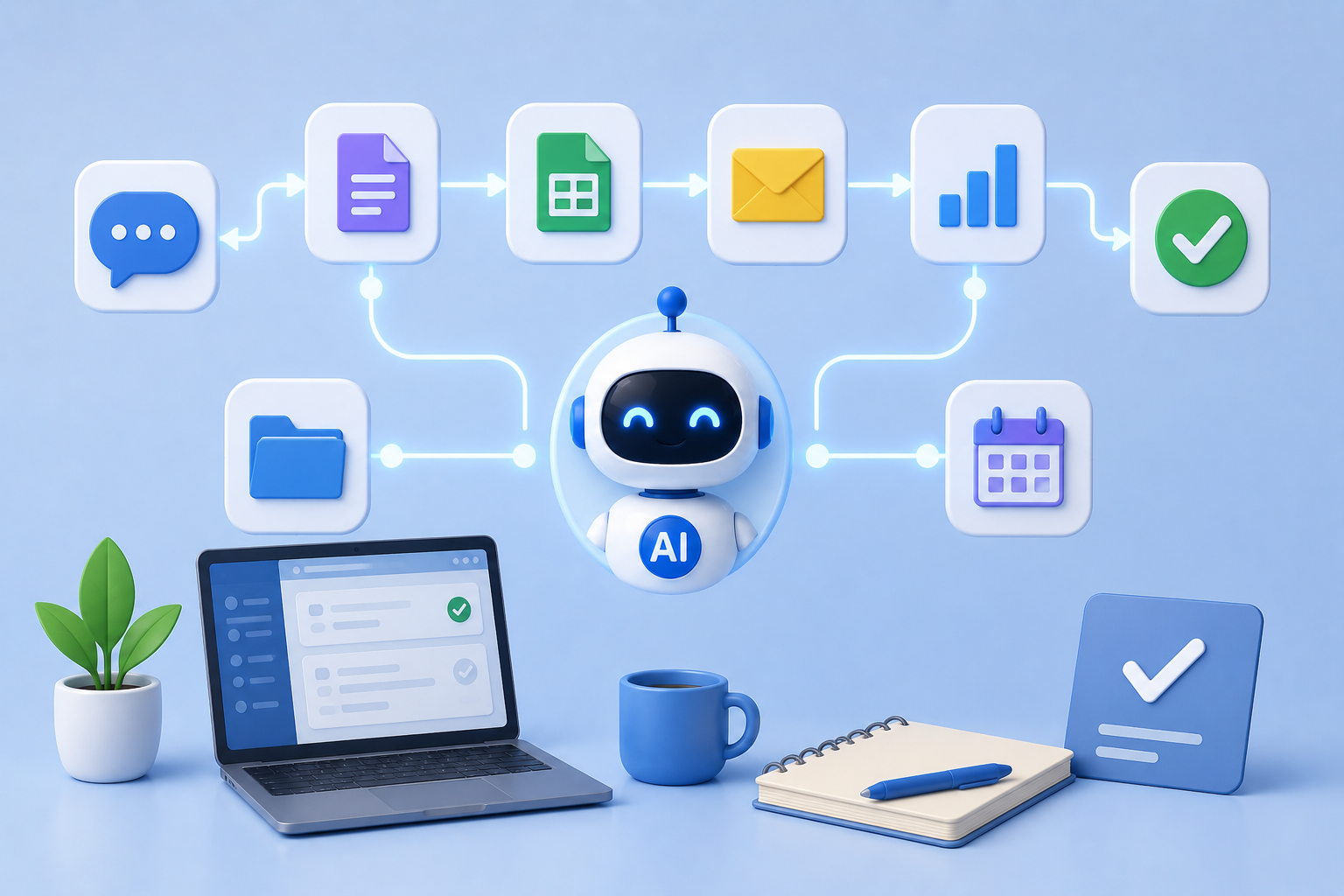
In today’s fast-paced world, managing daily tasks efficiently can feel overwhelming. From answering emails to scheduling meetings, from organizing files to keeping track of personal projects, our to-do lists can quickly become unmanageable. This is where Artificial Intelligence (AI) comes in. AI workflows can automate repetitive tasks, save time, and reduce stress. The good news? You don’t need to be a tech expert to build simple AI workflows that make your day smoother. In this article, we’ll guide you step-by-step through creating practical, beginner-friendly AI workflows for everyday use.
Understanding AI Workflows
Before diving in, it’s important to understand what an AI workflow is. Simply put, an AI workflow is a sequence of automated actions that use AI tools to complete tasks. For example, you might set up a workflow where incoming emails are automatically categorized, flagged for importance, and added to your task manager. Each step in this process involves an AI tool making decisions or performing tasks that you would normally do manually.
The beauty of AI workflows lies in their ability to streamline repetitive tasks. By automating small but time-consuming activities, you free up mental space to focus on more meaningful work. AI workflows are also flexible. They can be simple, handling just one task, or more complex, linking multiple tools and processes.
Identifying Daily Tasks to Automate
The first step in building AI workflows is identifying tasks that are repetitive and time-consuming. Start by listing your daily activities and highlighting the ones that:
- Repeat frequently.
- Take significant time or effort.
- Require minimal human judgment.
Common examples include sorting emails, responding to basic customer inquiries, scheduling appointments, organizing files, generating reports, and tracking expenses. Even simple automation can make a big difference. For instance, automatically saving email attachments to a cloud folder or generating a daily summary of your calendar events can save several minutes each day.
Choosing the Right AI Tools
Once you’ve identified tasks, the next step is choosing AI tools that suit your needs. There are countless AI applications available, and picking the right one depends on your goals. Some popular categories include:
- AI Email Assistants: Tools that help sort, summarize, or draft responses to emails.
- Task Automation Platforms: Services like Zapier or Make (formerly Integromat) that connect different apps to automate workflows.
- AI Writing Tools: Tools that generate content, reports, or summaries.
- AI Scheduling Assistants: Platforms that automatically manage appointments and reminders.
- Document Management AI: Tools that categorize, tag, and organize files.
When choosing a tool, consider ease of use, integration options, and reliability. Many platforms offer free plans or trial periods, making it easy to test which ones fit your workflow best.
Mapping Out Your Workflow
Before implementing AI, it’s crucial to map out your workflow visually. This helps you understand each step and ensures the process runs smoothly. Start by sketching a simple flowchart:
- Trigger: Identify what initiates the workflow. This could be receiving an email, adding a new task, or uploading a file.
- Action: Determine what the AI should do in response. Examples include categorizing an email, sending a notification, or moving a file to a specific folder.
- Outcome: Define the result of the workflow. The goal could be an organized inbox, a completed report, or a task updated in your project management tool.
Mapping your workflow reduces errors and helps you visualize automation before investing time in setup. Even basic diagrams can clarify steps and dependencies.
Setting Up Simple Email Automation
One of the most time-consuming daily activities is email management. AI can be of exceptional service. For example, you might create a pipeline that automatically sorts incoming email by content. Invoices may be forwarded to your finance folder; emails from clients can be marked as high importance. Some AI technologies can even write replies to basic inquiries, so only complicated emails require personal attention.
You may do this by linking your email service to an AI email helper. Set rules for sorting and classifying e-mail. Run some test messages through the pipeline and tweak it a little. In minutes you’ll have an automatic strategy to keep your email tidy and controlled.
Automation for Social Media and Content Work
Using AI procedures to manage content or social media could save hours each week. You may plan posts, brainstorm content ideas, or get a rundown of engagement statistics, for example. Some AI tools can even examine the top-performing posts and recommend modifications.
Begin by connecting your social media accounts to an AI automation platform. Create triggers (e.g., a new blog article) and actions (e.g., post a summary to your social channels). You’ll see better efficiency over time and more consistent distribution of material.
Using AI to Organize Files
Managing digital files may be a real mess, especially if you’re working on many projects or for several clients. AI can aid by automatically classifying, labeling, and organizing files. For example, an AI workflow may recognize file kinds, extract relevant information, and arrange them in the proper folder structure.
You may achieve this by integrating your cloud storage platform with document management AI. Set rules for naming, sorting, and transferring files. This automation not only saves time but also eliminates the danger of losing essential papers.
Simplifying Calendar and Task Management
Calendar and task management made easy with AI workflows. Scheduling meetings usually requires a lot of back-and-forth emails and checking availability. AI assistants can do this by referring to your schedule, suggesting best times and even sending out invites. Similarly, emails or documents might automatically generate tasks in your project management solution.
To begin, link your calendar and task applications with an AI scheduling service. Establish criteria for creating new events or tasks. Soon your daily planning will be a lot lighter; test the workflow to schedule accurately.
Automated Reports and Data Summaries
Generating reports and evaluating data might be boring. AI programs may gather data from many sources and summarize it and even interpret it into charts. For example, you may automatically import sales data from your CRM into a weekly report with graphs and insights.
To create this workflow, link your data sources to an AI reporting tool. Identify triggers, such as the end of the week or a new sales record. Define the activities to gather, analyze, and visualize the data. Automation means you can create reports at the press of a button, rather than spending hours on manual effort.
Testing and Perfecting Your Workflows
When you have set up AI workflows, testing is critical. Test the workflow using sample data for faults. Watch results during the first few days and alter rules or actions accordingly. Automation is rarely flawless on the first pass, but modest changes may go a long way. The objective is consistency and reliability.
Adding complexity gradually also lets you refine your workflows. Begin with one job and after it’s working properly, add other stages or connect other tools. This is a step-by-step process that guarantees automation becomes a productivity booster rather than a source of uncertainty.
Advantages of Daily AI Workflows
There are several advantages to employing AI processes for mundane activities. It saves time by taking care of repetitious chores as well. Secondly, it helps to clear the mind so you can focus on more important things to do. Third, it enhances accuracy, reducing the chances of errors in activities such as data input or email answers. Finally, AI processes promote consistency, aiding in getting the job done on time and in an organized manner.
Even novices can profit from these advantages by beginning with simple, controllable automations. As time goes on, these workflows can further mature to handle more complicated activities, driving productivity even further.
Best Practices for AI Workflows
To get the most from AI workflows, keep a few best practices in mind:
- Start small and simple before adding complexity.
- Clearly define triggers, actions, and outcomes.
- Test workflows regularly and make adjustments as needed.
- Document your workflows for easy troubleshooting and scaling.
- Ensure privacy and security by using trusted AI platforms.
Following these practices ensures that your workflows remain effective, safe, and reliable.
Conclusion
AI processes are no longer the sole domain of techies. Anyone may save precious time by pinpointing repeated tasks, selecting the correct AI tools, and mapping workflows. From handling emails and organizing files to arranging meetings and creating reports, AI can simplify life and increase productivity. Begin on a modest scale, improve your processes, and then grow your reach step by step. With effort, AI may become a strong aid in your everyday routine.
FAQs
1. Do I need to know coding to design AI workflows?
No. Most AI automation solutions are easy to use and don’t require any coding at all. You may build processes with easy drag-and-drop interfaces with tools like Zapier or AI email helpers.
2. Do AI processes make mistakes?
Yes, especially for initial configuration. Make sure to test workflows and see the outcomes. Improve accuracy over time by refining rules or actions.
3. What jobs are ideal for AI automation?
“AI workflows are ideal for repetitive, time-consuming tasks that require little human judgment, such as email sorting, filing, scheduling, and report generation.
4. Are AI processes safe to use for personal data?
AI processes are typically secure when following recommended practices and reputable platforms. Do not provide sensitive information with AI technologies that are not validated.
5. How do I scale my processes over time?
Start with the easy stuff. Add further steps or connect other programs as they operate reliably. Incremental growth enables seamless, mistake-free automation.
6. Can AI processes make us more productive at work and at home?
Sure. AI processes save time, decrease the mental burden, and promote consistency, which is helpful both in professional and personal situations.